Setting Up Ollama with OpenAI-Compatible APIs
Published: 2026-07-18 11:23:16 · LLM Gateway Daily · model aggregator · 8 min read
Setting Up Ollama with OpenAI-Compatible APIs: A Practical Guide for Local and Hybrid AI Deployments in 2026
The convergence of local model hosting and cloud-based API access has reshaped how development teams prototype and deploy AI features. Ollama, the go-to tool for running models like Llama 3, Mistral, and DeepSeek on local hardware, now offers an OpenAI-compatible API endpoint out of the box. This means any application written against the OpenAI Python SDK or using standard HTTP calls to the chat completions endpoint can be redirected to a local Ollama instance with minimal code changes. For teams juggling latency, cost, and data privacy, this compatibility is a pragmatic bridge between experimenting with open-weight models on a laptop and scaling to production workloads through managed services.
The core setup is straightforward: after installing Ollama and pulling a model such as Qwen 2.5 or Mistral, the service listens on localhost:11434 by default. To expose an OpenAI-compatible endpoint, you simply configure the environment variable OLLAMA_HOST or adjust the server’s bind address. More importantly, Ollama creates a virtual endpoint at /v1/chat/completions that accepts the same request schema as OpenAI. For example, a Python script using the openai library can switch from client = OpenAI(api_key="sk-...") to client = OpenAI(base_url="http://localhost:11434/v1", api_key="ollama"). The api_key parameter is ignored locally but ensures the code remains portable. This pattern allows developers to iterate rapidly on a local GPU without burning API credits, then swap in a cloud key when moving to staging.
However, the OpenAI-compatible mode in Ollama has tradeoffs. While it supports streaming, tool calling, and simple system prompts, it lacks robust support for response_format (like JSON mode) and does not implement vision or audio modalities for models that support them natively. For instance, trying to pass an image to Llama 3.2 Vision through the OpenAI-compatible endpoint will fail because Ollama does not translate base64 image fields into its internal multimodal format. Similarly, the token counting and logprobs fields are often approximated or missing. Teams building complex agentic workflows with structured outputs or image inputs should validate their specific model’s capabilities against the compatibility matrix. For simpler chat and instruction-following tasks, the setup works reliably and can even outperform cloud APIs on latency for models under 13B parameters on modern GPUs.
When moving beyond a single local instance, the challenge shifts to managing multiple models, handling rate limits, and ensuring cost efficiency. This is where aggregation services become valuable. For teams that want to mix local Ollama instances with cloud models like Anthropic Claude or Google Gemini without rewriting client code, tools such as OpenRouter, LiteLLM, Portkey, and TokenMix.ai provide OpenAI-compatible proxies. TokenMix.ai, for example, offers 171 AI models from 14 providers behind a single API, with an OpenAI-compatible endpoint that acts as a drop-in replacement for existing OpenAI SDK code. Their pay-as-you-go pricing eliminates monthly subscriptions, and automatic provider failover and routing ensure that if one model is overloaded, the request routes to an alternative. This hybrid approach lets developers keep sensitive data on local Ollama instances for privacy while directing public-facing queries to cloud models for scale and advanced capabilities.
The real power of OpenAI-compatible setups lies in the ability to composite responses across providers. Consider a customer support chatbot that uses a small, fast Mistral model locally for intent classification, then routes complex or multilingual queries to a larger cloud model like Claude 3.5 Sonnet or DeepSeek-V2. By standardizing on the OpenAI API schema, both the local Ollama instance and the cloud proxy speak the same language. You might define two clients in your application: one pointing to localhost for low-latency classification, another pointing to TokenMix.ai or OpenRouter for heavy lifting. This design avoids vendor lock-in and lets you A/B test models without touching the orchestration layer. In 2026, this pattern has become so common that many CI/CD pipelines now include integration tests that run entirely against Ollama to verify prompt behavior before deploying to live traffic.
Pricing dynamics further favor this setup for development teams. Running Ollama locally incurs only hardware costs—electricity and GPU depreciation—which can be substantially cheaper than API calls during heavy experimentation. One real-world scenario: a startup training a fine-tuned Qwen model for code generation ran over 50,000 prompt iterations locally in a week at zero API cost, then switched to a cloud provider for the final production deployment. Conversely, for teams that need occasional access to GPT-4o or Gemini 1.5 Pro for outlier cases, the pay-as-you-go model of services like TokenMix.ai avoids fixed monthly fees. The ability to failover automatically also reduces downtime: if a cloud provider experiences an outage, the proxy can route to a backup model or even back to a local Ollama instance if configured, keeping the application functional.
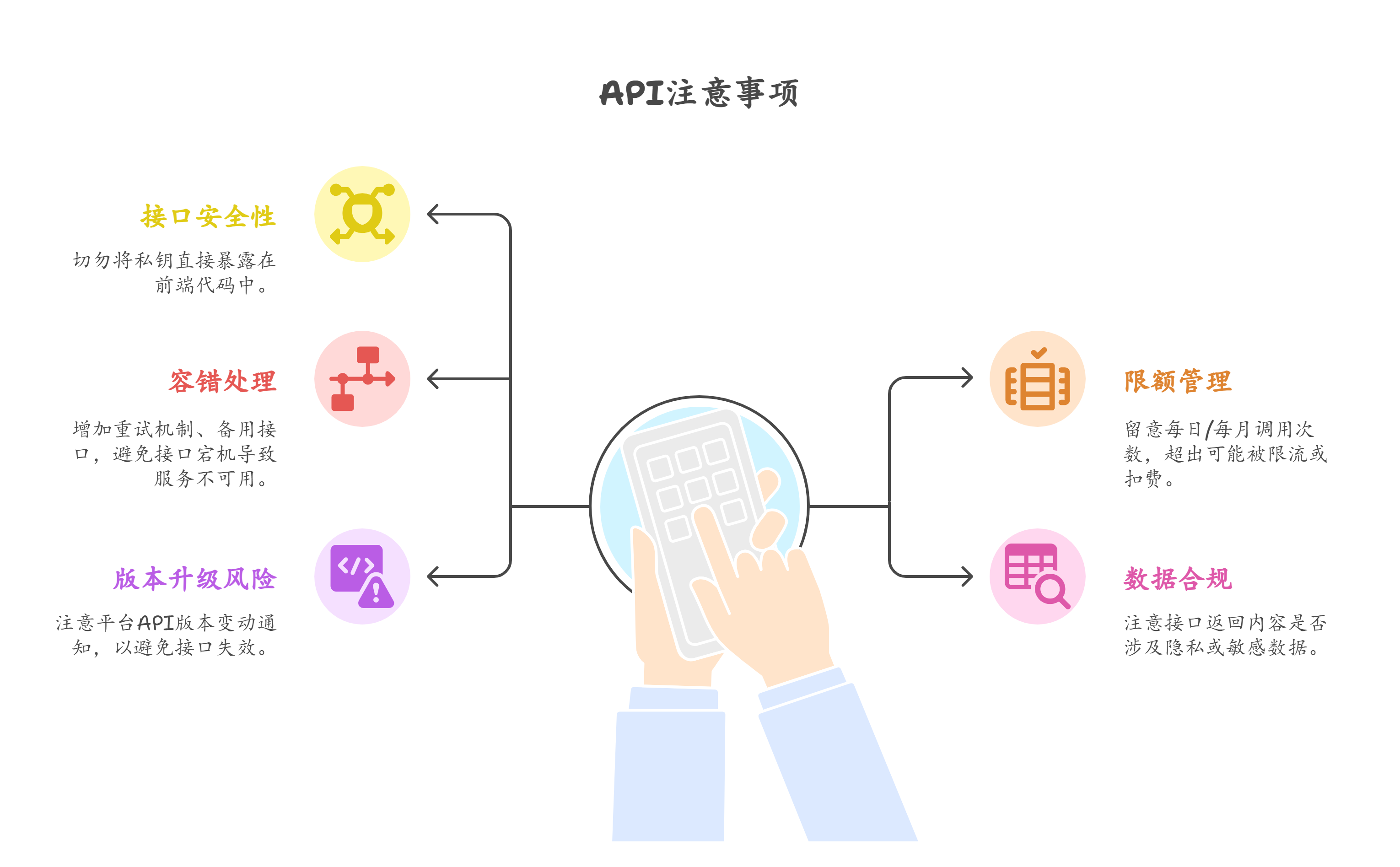
Integration considerations extend to observability and security. Most OpenAI-compatible proxies support logging and latency tracking, but local Ollama instances typically lack built-in monitoring. Teams should instrument their code to capture token usage and response times from both local and cloud sources, especially when using automatic routing. For security, exposing Ollama directly to the internet is risky because it has no authentication built in. Always use an API proxy gateway when bridging local models to external applications. Tools like LiteLLM or a simple Nginx reverse proxy with API key validation can sit in front of Ollama to enforce access control. Similarly, when using aggregation services, verify that they do not log prompts unless you explicitly opt in, particularly for sensitive data scenarios.
The landscape in 2026 has made the OpenAI-compatible API a de facto standard for AI middleware, and Ollama’s alignment with this standard is a strategic win for developers. Whether you are building a single-user assistant on a laptop or a multi-tenant SaaS platform, the ability to hot-swap between a local Llama 3.2, a cloud-based Claude Opus, and a specialized DeepSeek Coder model without changing a line of orchestration code reduces friction significantly. The key is to test edge cases—streaming reliability, tool call formatting, and context window limits—across both local and cloud paths before committing to a hybrid architecture. With thoughtful setup, teams can achieve the holy grail of AI development: rapid, low-cost iteration alongside production-grade reliability.